Details — Tirage
What's inside.
Structure
Seven pages in total, built on Squarespace 7.1. Five sit within the main navigation — Index, Commissions, Editions, About, and Booking — with the Privacy Policy and Terms & Conditions pages alongside, placeholder text included.
The Plates
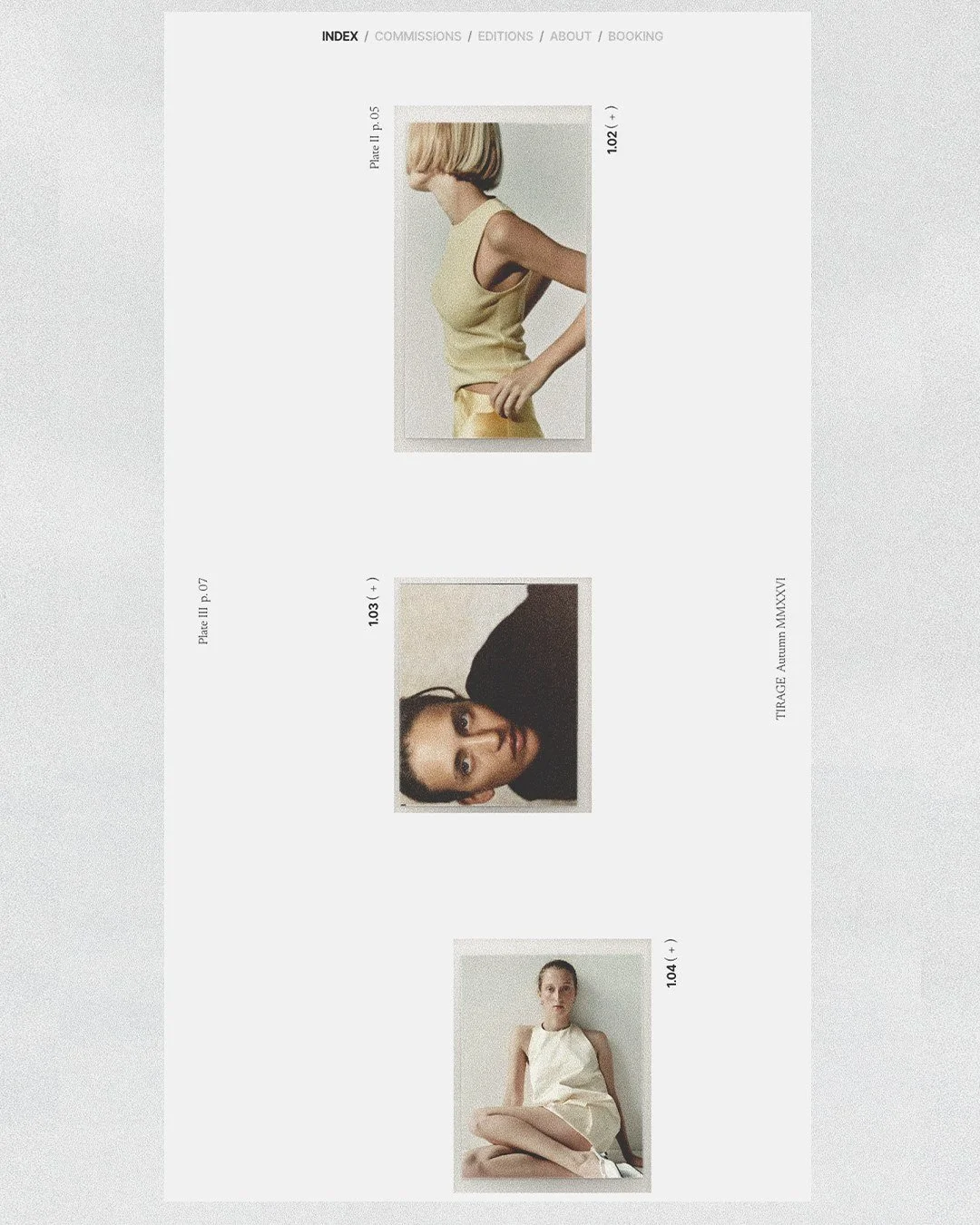
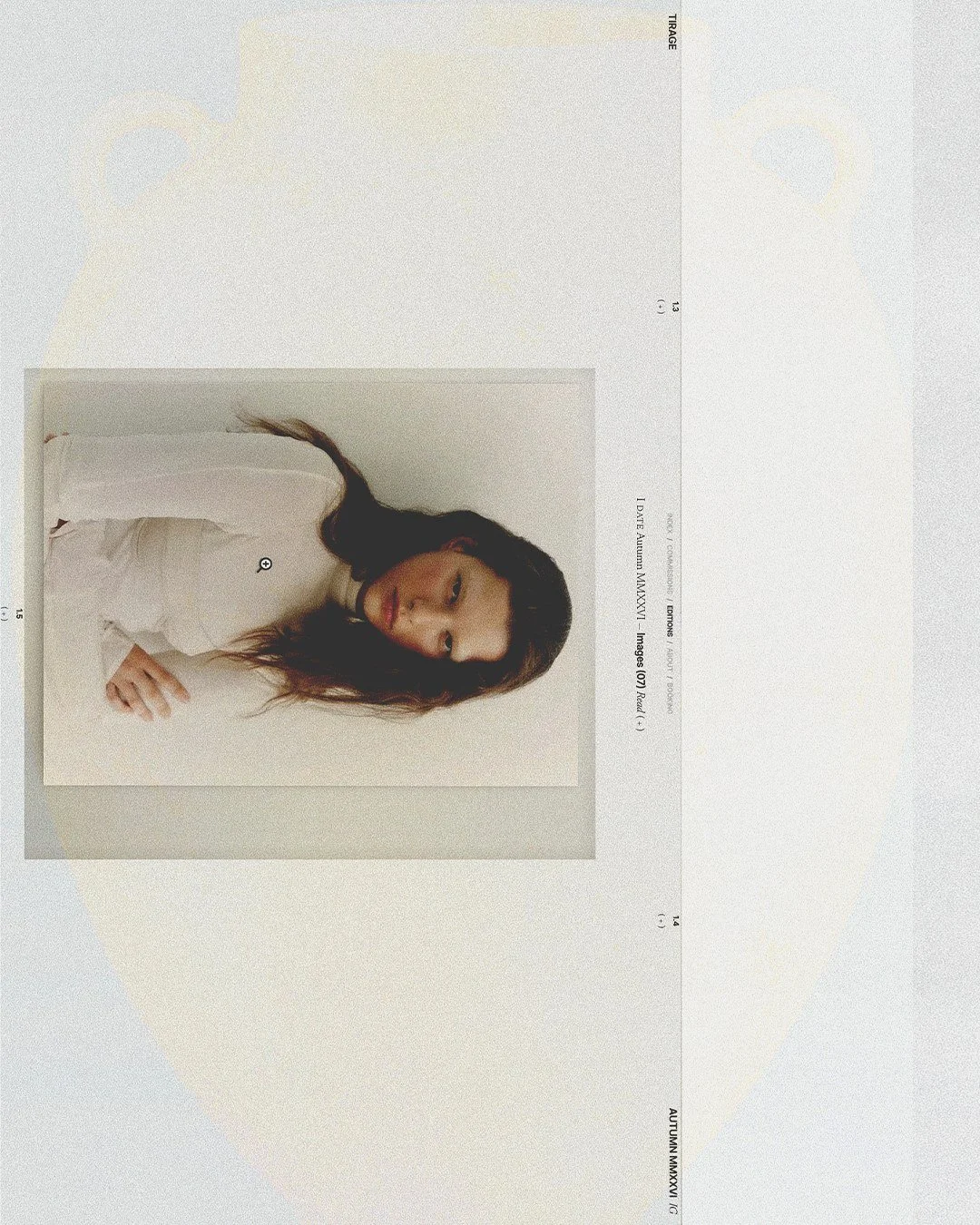
Every photograph is printed onto scanned paper, numbered like a plate (1.1, 1.2, 1.3), and opens full screen. The numbering and the paper are added automatically — there is nothing to type.
The Details Line
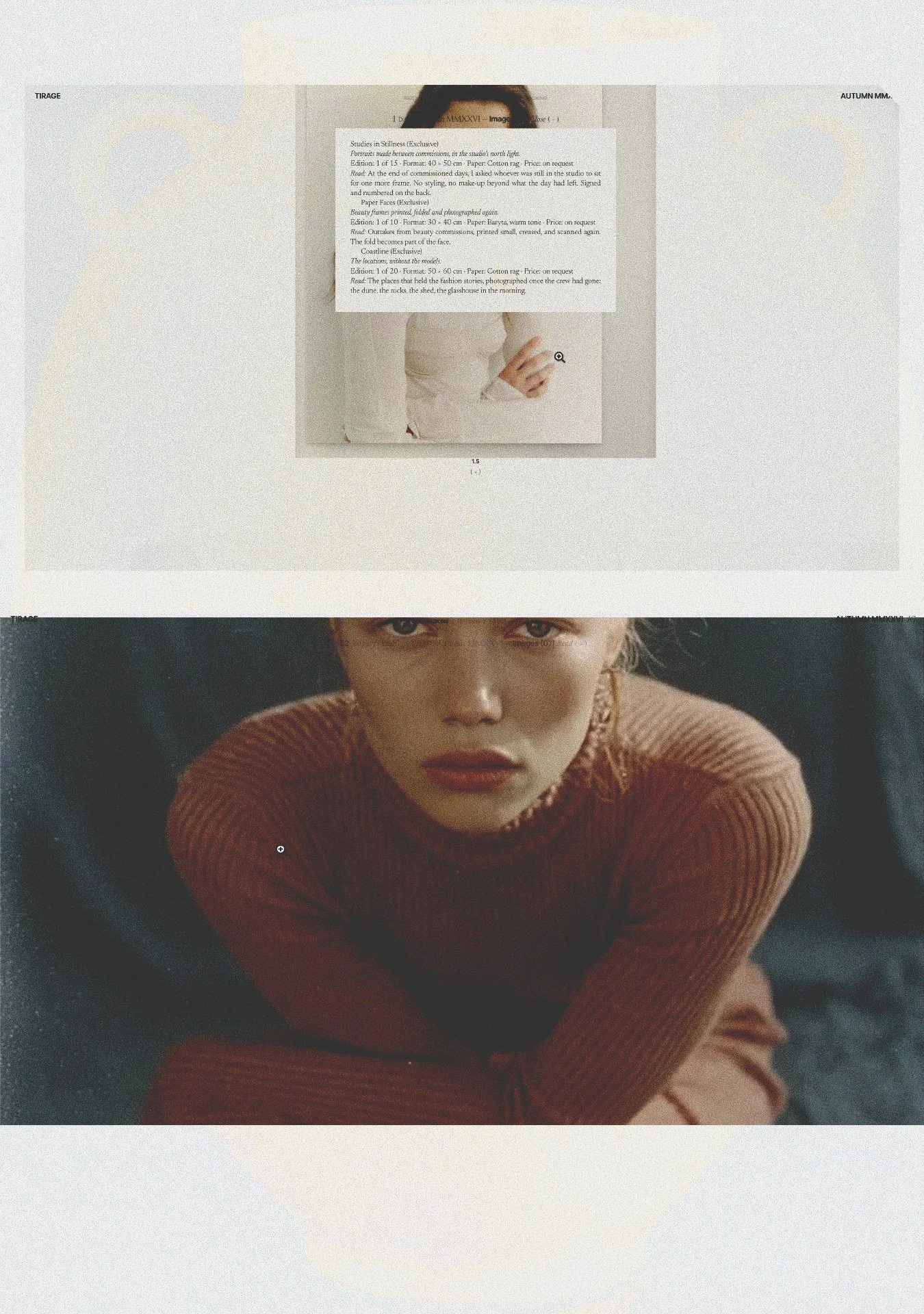
A slim line stays at the top of the page — title, client, stylist, edition, format — written from the credits you add. The longer story waits behind a quiet Read ( + ).
Index
A full-screen opening photograph, your statement behind Read ( + ), and a column of small plates that open full screen on hover, their titles writing in.
Commissions
Each project opens with a full-screen photograph and a carousel of plates and films. Add as many projects, images, and films as your work requires.
Editions
A page for limited prints, personal work, and exclusive series, with edition number, format, paper, and price set in the details line.
Film Plates
Add a Squarespace Video block and it plays silently, in a loop, on its own sheet of paper — alongside the photographs, as part of the same book.
About & Booking
About is a portrait sheet holding your story, client and press lists, and small plates. Booking sets two full-screen photographs dissolving into each other, with an Inquire ( + ) panel for your letter, agents, and an editorial booking form. A Read More ( + ) panel in the menu carries your studio details.
The Feel
Refined serif type, small spaced capitals, and generous white space keep the focus on the image. Page transitions, desktop and mobile layouts, and the custom code come already installed.
Built to grow
Add as many projects to Commissions and as many editions to Editions as the work requires — each takes on the full design automatically, with its own full-screen photograph, plates, films, details, and Read ( + ). Additional pages keep the Tirage name and menu. No coding is needed: every image, film, and word is changed in Squarespace's own editor.
The workbook
A 32-page illustrated PDF workbook for first-time Squarespace users — replacing photographs, adding films, writing captions and credits, building each page, changing colours and fonts, setting up the menu, logo, and Instagram link, and where the code lives, including what is safe to change and what should stay as built.
Photography
The images and films shown throughout this template are for demonstration only, and are not included with your purchase. The structure is built to receive your own work in their place.
Who it's for
Built for fashion, beauty, editorial, and portrait photographers, directors and filmmakers, art and creative directors, stylists and make-up artists, and creative studios and agencies.